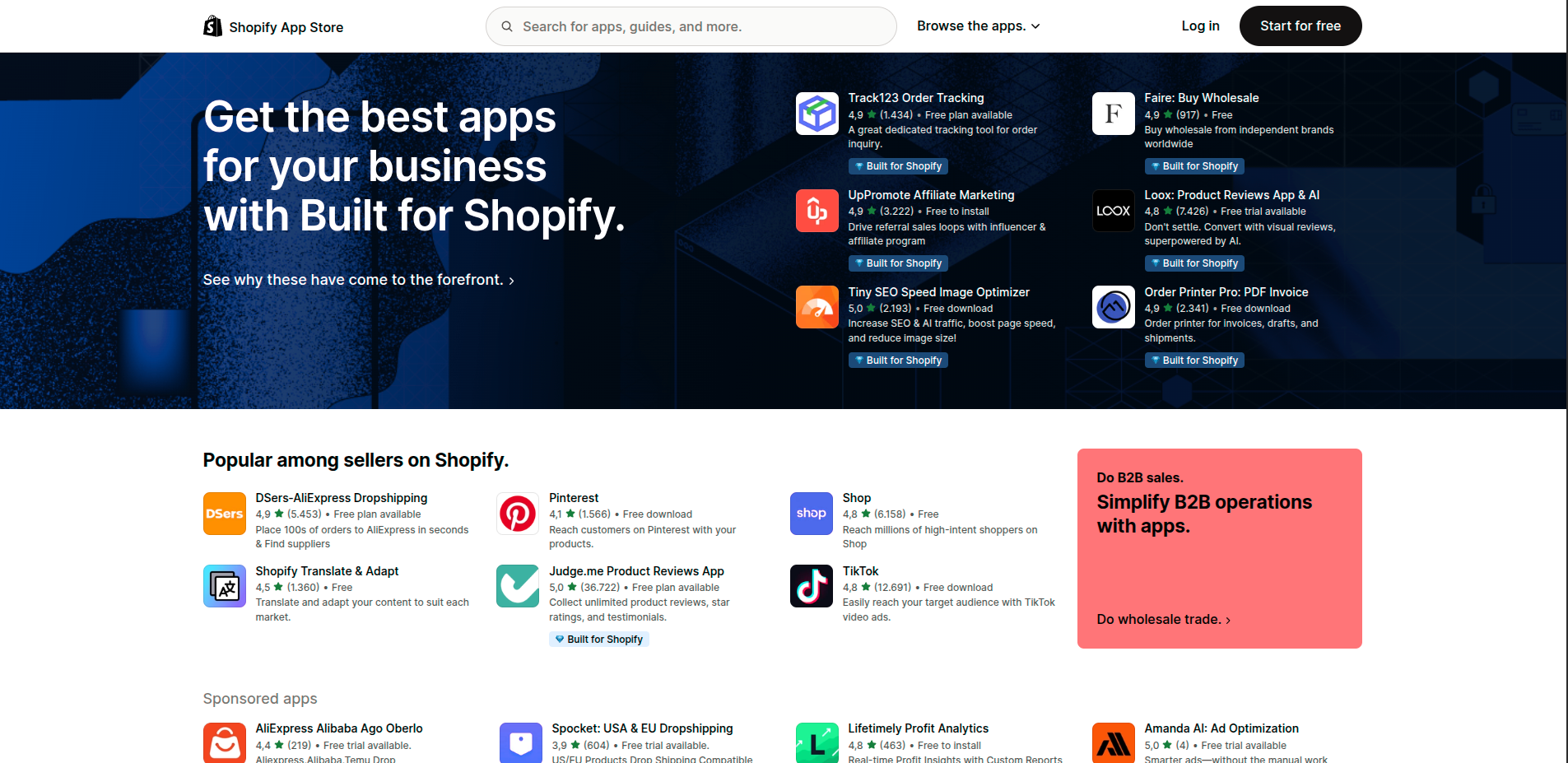
This guide will help you choose Shopify apps without wasting money or slowing your store down. There are over 8,000 apps on the Shopify App Store. Every single one promises to increase your sales, save you time, or solve a problem you didn't know you had. Most store owners install 10-15 apps within their first year. Many of those apps conflict with each other, slow down page load times, and cost money without delivering results. The stores that grow fastest aren't the ones with the most apps — they're the ones with the right apps.
Here's the framework we use to evaluate every app before recommending it.
Step 1: Define the Problem First
Before searching for an app, write down the specific problem you're trying to solve. Not "I want to increase sales" — that's too vague. Something like: "10% of visitors add to cart but only 2% check out" or "I spend 2 hours per day answering the same customer support questions."
A specific problem leads to a specific solution. Vague problems lead to installing apps that don't address anything concrete. If you can't write down the exact problem in one sentence, you're not ready to install an app for it.
Step 2: Check If You Actually Need an App
Before installing anything, ask: does Shopify already do this natively? Shopify's built-in features cover a lot of ground — basic email collection, discount codes, abandoned cart emails, basic analytics. Many store owners pay for apps that duplicate functionality they already have.
Also ask: is this a real problem right now, or a future problem? Installing apps to solve hypothetical future problems is one of the most common mistakes new store owners make. Install apps to solve problems you have today.
Step 3: Evaluate Reviews the Right Way
The Shopify App Store rating is useful but incomplete. Here's how to read reviews properly:
- Look at 3-star reviews first. They're the most honest — not angry enough to be unfair, not happy enough to be promotional. They tell you the real limitations.
- Check recent reviews. An app with 4.8 stars from 2021 might have 3.2 stars in the last 90 days. Scroll to the most recent ones.
- Look for reviews from stores like yours. A review from a 10,000 orders/month store isn't relevant if you're doing 50 orders/month.
- Check how the developer responds to negative reviews. Fast, helpful responses signal a team that cares about their product.
Step 4: Check the Impact on Page Speed
Every app you install adds code to your store. That code takes time to load. Slow stores lose customers — a 1-second delay in page load time can reduce conversions by 7%.
Before installing any app, check your current PageSpeed score in Google PageSpeed Insights. After installing, check again. If your score drops significantly, the app may not be worth keeping. Prioritize apps that load asynchronously and don't block your main content from rendering.
Step 5: Calculate Real ROI
Every app has a cost — monthly fee, transaction fees, or both. Before installing, calculate what you need the app to generate to break even.
Example: an app costs $30/month. Your average order value is $50. You need the app to generate at least one extra sale per month just to break even. Is that realistic? Most good apps deliver 10-100x their cost when properly set up — but you need to define what success looks like before you install, not after.
The 30-day rule: give every new app exactly 30 days with proper setup before evaluating it. Apps that haven't generated measurable results in 30 days should be removed. Most stores would perform better with fewer, better-configured apps than with many partially-configured ones.
Step 6: Check for Conflicts and Redundancy
Before installing, check whether you already have an app that does something similar. Having two review apps, two pop-up apps, or two live chat apps is one of the most common sources of store slowdown and unexpected behavior.
Also check the app's compatibility page. Reputable apps list known conflicts with other popular apps. If your store runs on a heavily customized theme, test new apps on a development store before going live.
Step 7: Prioritize by Stage of Business
The right app depends on where your store is right now. Here's a rough framework by stage:
0-50 orders/month — Foundation: Focus on reviews (Judge.me free plan), basic live chat (Tidio free plan), and email capture (Privy free plan). Keep costs near zero.
50-200 orders/month — Growth: Add email marketing (Klaviyo), post-purchase upsells (ReConvert), and loyalty (Smile.io). Each should pay for itself.
200+ orders/month — Scale: Invest in customer support automation (Gorgias), advanced personalization (Octane AI), and SMS marketing (Postscript). You have the volume to justify the cost.
The 5 Questions to Ask Before Every Install
- What specific problem does this solve? If you can't answer in one sentence, don't install.
- Can Shopify already do this natively? Check before paying for duplication.
- What do the recent 3-star reviews say? They reveal the real limitations.
- How much does page speed drop after installation? Measure before and after.
- What does success look like in 30 days? Define it before you install, not after.
Follow this framework and you'll install fewer apps, waste less money, and get better results from every tool you do choose.